
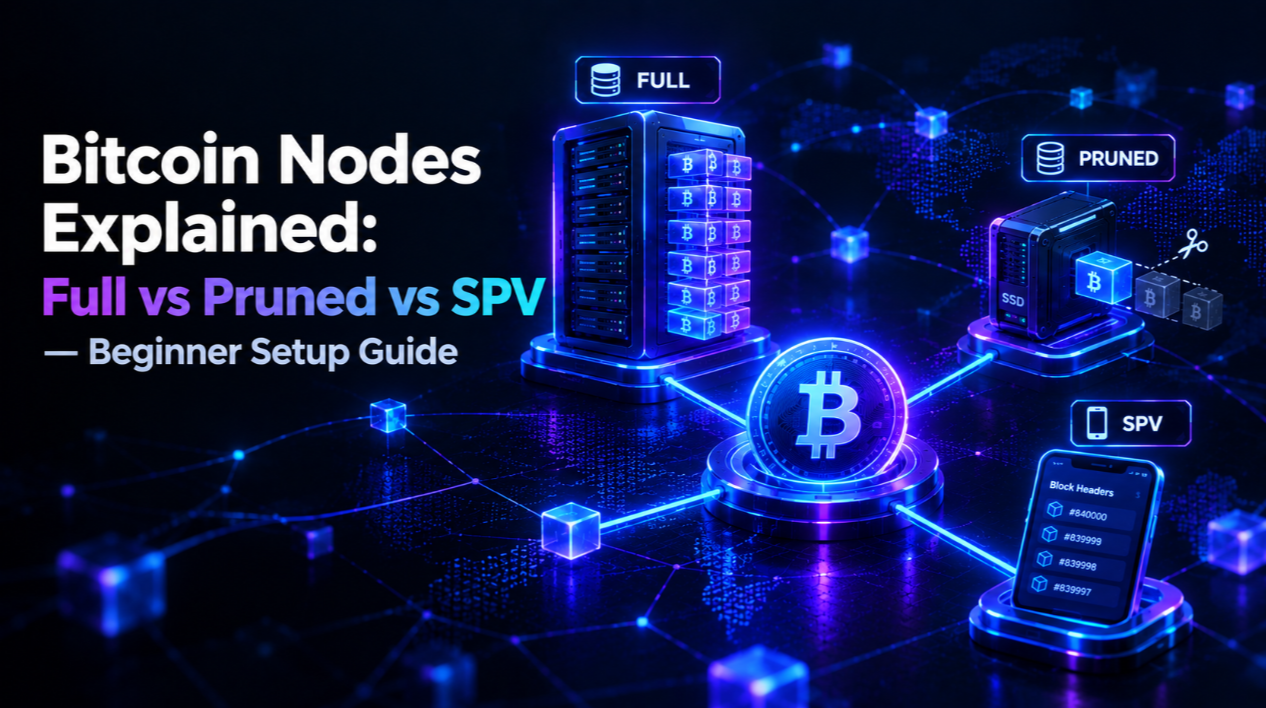
Why running a Bitcoin node matters
A Bitcoin node is a computer running the Bitcoin Core software (or compatible implementation) that independently validates every transaction and block on the Bitcoin network. When you run a full node, you do not trust anyone else's version of the blockchain — you verify it yourself from the genesis block forward.
Most Bitcoin users rely on wallets that query centralised or third-party servers to check balances and broadcast transactions. This is convenient, but it means trusting that those servers are honest about the blockchain state. A centralised server could lie about your balance, censor your transactions, or be compromised without your knowledge.
Running your own node eliminates this trust dependency. It also contributes to Bitcoin's decentralisation: the more independent nodes exist globally, the more resistant the network is to rule changes forced by large miners or well-funded actors. When Satoshi said "don't trust, verify," running a node is the literal implementation of that principle.
For background on Bitcoin's broader ecosystem, see our Bitcoin market page. For long-term price context, our Bitcoin forecast page covers analyst cycle projections.
What is a Bitcoin full node?
A full node downloads and validates the entire Bitcoin blockchain from the genesis block (January 2009) to the current tip. As of 2026, the full blockchain is approximately 600–650 GB and grows by around 60–80 GB per year as new blocks are added.
A full node validates every transaction against the complete set of consensus rules: correct signatures, no double-spends, correct coinbase rewards, valid block sizes, and all other protocol constraints. It maintains the full UTXO (unspent transaction output) set — the definitive record of which coins exist and who controls them.
Running a full node gives you maximum security and privacy. You query your own node for balance and transaction history. Your node never reveals your wallet addresses to third parties. You can connect your hardware wallet directly to your own node via Electrum Personal Server, Sparrow Wallet, or Specter Desktop.
What is a pruned full node?
A pruned node downloads and validates the entire blockchain but then discards historical block data older than a configurable threshold (usually 550 MB minimum, though you can set more). It keeps the full UTXO set and all validation logic — it still independently verifies every transaction — but it does not store all historical blocks permanently.
A pruned node requires as little as 5–10 GB of disk space at minimum pruning, compared to 600+ GB for a full archival node. Validation security is identical to a full node. The only limitation is that a pruned node cannot serve old block data to other nodes (it cannot be a historical data source for new nodes syncing the chain).
For most individual Bitcoin users, a pruned node is the practical optimum: full validation security with far lower storage requirements. If you want to contribute maximally to network health, an archival full node is the gold standard.
What is an SPV node?
A Simplified Payment Verification (SPV) node, described in the original Bitcoin whitepaper by Satoshi Nakamoto, verifies transactions using only block headers rather than full block data. SPV nodes download block headers (approximately 80 bytes each) and request Merkle proofs that specific transactions are included in those headers.
Most mobile wallets — including Trust Wallet, BlueWallet, and Mycelium — use an SPV-like approach. Because they do not validate the full blockchain, they cannot detect sophisticated attacks where miners create fraudulent blocks that satisfy proof-of-work but contain invalid transactions.
SPV is appropriate for everyday small transactions where the convenience trade-off is acceptable. For large value storage or high-security applications, SPV is not sufficient — a full or pruned node is required.
Node types compared: security, storage, and use cases
- Full archival node: highest security, best network contribution, 600+ GB storage required. Best for: serious Bitcoin users, miners, businesses, and network contributors.
- Pruned full node: equivalent validation security to archival, 5–10 GB minimum storage. Best for: individual users who want full validation without large disk requirements.
- SPV node: lightweight, no blockchain download, trust in proof-of-work with limited fraud detection. Best for: mobile wallets used for everyday small payments.
- Electrum server (Electrum Personal Server / Electrs): indexes the blockchain for your own wallets and provides fast querying. Runs on top of a full or pruned node. Best for: hardware wallet users who want full sovereignty with Electrum-compatible software.
Hardware requirements for running a Bitcoin node in 2026
Minimum requirements for a pruned full node in 2026:
- CPU: any modern processor including Raspberry Pi 4 (4 GB RAM model) or equivalent ARM board
- RAM: 2 GB minimum; 4 GB recommended for comfortable Bitcoin Core operation
- Storage: 10 GB for pruned mode minimum; 1 TB SSD strongly recommended for full archival node (HDD too slow for initial block download)
- Bandwidth: Bitcoin Core uses approximately 200 MB per day ongoing after sync; initial sync may consume 50–100 GB
- Uptime: a node only contributes to network health when it is online; 24/7 operation on a low-power device (Raspberry Pi uses ~5W) is typical
Popular dedicated Bitcoin node hardware includes the Umbrel (runs on Raspberry Pi), RaspiBlitz (open-source, Lightning-focused), MyNode, and Start9 Embassy. These all-in-one solutions include Bitcoin Core, Electrum server, and Lightning Network software pre-configured.
Step-by-step: setting up Bitcoin Core on a Raspberry Pi 4 (pruned node)
- Purchase hardware: Raspberry Pi 4 (4 GB RAM model), 32 GB microSD card for OS, 1 TB USB SSD for blockchain data.
- Install OS: Download Raspberry Pi OS Lite (64-bit), flash to SD card using Raspberry Pi Imager, enable SSH in imager settings.
- Boot and update: connect to network, SSH in, run sudo apt update && sudo apt upgrade -y.
- Download Bitcoin Core: visit bitcoincore.org, download the latest ARM64 binary, verify the SHA256 checksum and GPG signature against the Bitcoin Core release signing keys.
- Configure bitcoin.conf: create ~/.bitcoin/bitcoin.conf with prune=550 (minimum pruning), server=1 (enables RPC), txindex=0 (not needed for pruned node), and rpcuser/rpcpassword for wallet software connection.
- Start Bitcoin Core: run bitcoind -daemon; initial block download takes 3–7 days on a Raspberry Pi 4. The node syncs from the genesis block forward.
- Connect your wallet: install Electrum Personal Server (EPS) or Electrs to index your wallet's addresses against your node, then point Electrum wallet or Sparrow Wallet to your local node's IP address.
For hardware wallet setup to connect to your own node, our Ledger review covers connecting Ledger to a personal Electrum server for maximum privacy.
Running a Lightning Network node alongside Bitcoin Core
The Lightning Network is Bitcoin's Layer 2 payment protocol for instant, near-zero-fee transactions. A Lightning node opens payment channels with other nodes and routes payments across the network. Running a Lightning node requires running Bitcoin Core first as the underlying layer.
Popular Lightning implementations include LND (Lightning Labs), Core Lightning (formerly c-lightning), and Eclair. The Umbrel and RaspiBlitz node packages include LND pre-configured. Operating a routing node can earn small amounts of BTC in routing fees, though most individual operators run nodes for self-sovereignty rather than profit.
For Lightning use cases and Bitcoin's expanding utility, our Bitcoin market page covers Layer 2 developments in the current ecosystem context.
Privacy benefits of running your own node
When you use a wallet that queries a third-party server, those servers can potentially see all addresses in your wallet, associate your transactions, and identify your IP address. This is a significant privacy concern for users in jurisdictions with aggressive financial surveillance.
A self-hosted full node combined with a hardware wallet means: your wallet addresses are only known to software running on your own hardware. Transaction broadcasts can be further anonymised using Tor integration (Bitcoin Core has native Tor support). Nobody outside your network can enumerate your wallet balances or transaction history.
For exchange options when you do need to interface with the broader market, see our exchange ratings for privacy-conscious platform comparisons.
Common troubleshooting issues for new node operators
- Initial block download stalls: check that your SSD is connected via USB 3.0 (not USB 2.0) and that your internet connection is stable. HDD drives are often too slow for IBD.
- Bitcoin Core using too much memory: add dbcache=200 (reduce from default 450) in bitcoin.conf if your Raspberry Pi runs out of RAM during sync.
- Cannot connect to peers: ensure TCP port 8333 is open in your router firewall for incoming connections; this allows you to serve other nodes and contribute more to the network.
- Wallet software cannot connect: verify RPC settings in bitcoin.conf match what your wallet software expects; double-check rpcallowip=127.0.0.1 if connecting locally.
- Tor connection issues: ensure Tor is running on the same device and that the torcontrol and torpassword settings in bitcoin.conf are correct.
Should you run a Bitcoin node?
If you hold significant Bitcoin and care about financial sovereignty, running even a pruned full node is one of the most impactful steps you can take. You verify the blockchain yourself, you improve your privacy, and you contribute one more independently validating voice to the network.
The technical barrier has dropped substantially since 2019. Plug-and-play solutions like Umbrel can have a working Bitcoin and Lightning node running in under an hour. For dedicated Bitcoin holders, the combination of a hardware wallet, a personal full node, and a Lightning channel represents the gold standard of self-sovereign Bitcoin use.
For complementary hardware wallet guidance, our wallet ratings page covers the full self-custody stack for 2026.
This article is for educational purposes only. Running a Bitcoin node is a technical undertaking — always verify software downloads from official sources and back up your wallet seed phrase before connecting it to any server.