Why two-factor authentication matters for crypto accounts
Two-factor authentication (2FA) adds a second verification step on top of your password. For crypto exchange accounts, email services linked to crypto, and any platform where a breach could lead to fund theft, 2FA is not optional — it is the minimum baseline. A compromised password alone should not be sufficient to drain your account.
In 2026, the vast majority of crypto exchange hacks targeting individual users succeed because the victim was using either no 2FA or the weakest form of 2FA. The method you choose makes an enormous practical difference — not all 2FA is equally effective.
SMS 2FA: convenient but dangerously weak
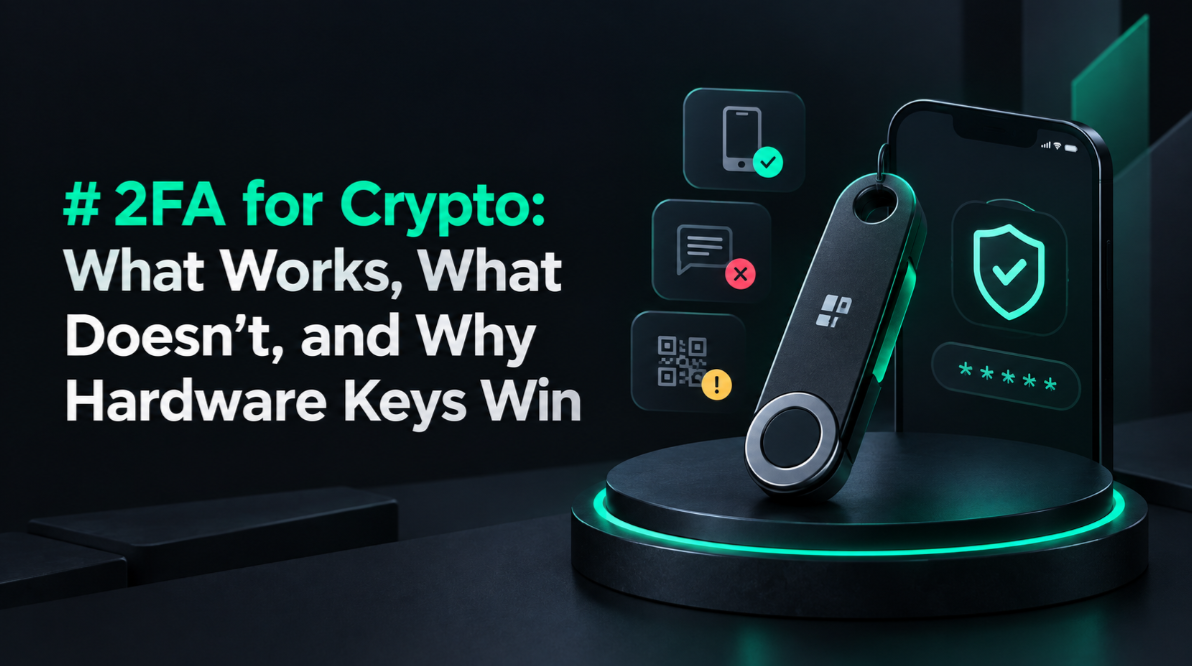
SMS-based 2FA sends a one-time code to your phone number. It is the most widely offered 2FA method and the least secure one you should use for crypto. The attack vector is SIM swapping: an attacker contacts your mobile carrier, impersonates you using personal data gathered from social media or data breaches, and convinces the carrier to transfer your number to their SIM card.
Once they have your number, every SMS code sent to "you" goes to them. Combined with a compromised password, SIM swapping has resulted in hundreds of millions of dollars in crypto theft. High-profile victims have included investors who lost millions from exchange accounts protected only by SMS 2FA.
- Recommendation: Disable SMS 2FA on all crypto-related accounts immediately if a better option is available. If SMS is the only option, it is still better than nothing — but treat it as temporary and push the platform to offer TOTP or hardware keys.
- Carrier PIN: If you must use SMS 2FA, add a carrier account PIN that must be verified before any SIM changes. This raises the bar for SIM swap attacks but does not eliminate them.
TOTP authenticator apps: the practical standard
Time-based One-Time Password (TOTP) apps — Google Authenticator, Authy, Microsoft Authenticator, Aegis (Android), and Raivo (iOS) — generate a new 6-digit code every 30 seconds using a shared secret stored locally on your device. Unlike SMS, the code is generated offline and is not exposed to your phone carrier.
TOTP is significantly more secure than SMS because SIM swapping does not affect it. To steal your TOTP code, an attacker needs physical access to your phone or your phone's backup. TOTP is the baseline 2FA method recommended for all crypto exchange accounts.
- Aegis (Android): Open source, encrypted vault, supports cloud backup to your own provider. The best Android TOTP app.
- Raivo (iOS): Open source, iCloud sync (encrypted), clean interface. Strong iOS choice.
- Authy: Multi-device sync via Twilio servers. Convenient but the cloud sync introduces a server-side risk. Better than SMS but inferior to local-only apps for high-security use.
- Google Authenticator: Now supports Google Account sync. Convenient but ties your 2FA to your Google account — a compromise of Google exposes all 2FA seeds.
Backup codes: store them like a seed phrase
When you enable 2FA on any platform, you receive a set of single-use backup codes. These are designed for recovery if you lose access to your 2FA device. They must be stored with the same care as a seed phrase: offline, physically secure, and geographically distributed.
Storing backup codes in a document on your computer or in your email drafts defeats the purpose entirely. An attacker who compromises your computer can use the backup codes to disable your 2FA and access your account. Print backup codes and store them in a secure physical location alongside your seed phrase backup.
Hardware security keys: FIDO2 and WebAuthn
Hardware security keys — YubiKey, Google Titan, and similar — implement the FIDO2/WebAuthn standard. They require physical possession of the key to authenticate. Even if an attacker has your password and TOTP code, they cannot log in without the physical key.
FIDO2 keys are phishing-resistant by design. The key cryptographically verifies the domain of the site before responding — it will refuse to authenticate against a phishing domain even if the domain looks identical. This is a property SMS and TOTP cannot offer: a TOTP code entered on a phishing site works perfectly on the real site.
- YubiKey 5 NFC: The gold standard for high-security accounts. Supports FIDO2, WebAuthn, OTP, and PIV. Works via USB-A, USB-C, or NFC tap. ~$50.
- YubiKey Bio: Adds fingerprint authentication for even stronger local protection. ~$80.
- Google Titan: Google's hardware key, solid build, lower cost than YubiKey for basic use. ~$30.
- Coverage: Major exchanges (Coinbase, Kraken, Binance) support hardware keys. Use them on every account that supports it.
Email account security: the overlooked weak link
Your email account is the master key to every crypto account that uses it for password resets. If an attacker owns your email, they can reset your exchange password, confirm the reset, then bypass your exchange 2FA entirely. Crypto account security is only as strong as your email account security.
- Use a dedicated email address for all crypto accounts — one used nowhere else.
- Secure that email with a hardware key (FIDO2) as the primary 2FA method.
- Use a privacy-focused provider (Proton Mail, Fastmail) rather than Gmail for crypto accounts.
- Ensure your email account recovery options do not fall back to SMS.
Exchange-specific 2FA features: withdrawal address whitelisting
Beyond standard 2FA, major exchanges offer additional security layers worth enabling. Withdrawal address whitelisting restricts withdrawals to pre-approved addresses. Adding a new address requires a waiting period (typically 24–48 hours) and confirmation via email and 2FA. Even if an attacker gains full account access, they cannot immediately steal funds.
Anti-phishing codes are another underused feature. You configure a custom string (e.g., "MARINA-SECURE-2026") that appears in all legitimate emails from the exchange. Any email without this string is not from the exchange — it is a phishing attempt.
2FA for DeFi: what it means in a self-custody context
DeFi protocols do not have user accounts with passwords and 2FA in the traditional sense. You authenticate by signing transactions with your private key. Your hardware wallet is your 2FA: physical possession of the device plus knowledge of the PIN is required to sign. This is more secure than any exchange 2FA for funds you control directly.
For DeFi-adjacent services — WalletConnect sessions, DeFi dashboards with login, cross-chain bridges — treat their account security with the same rigour as an exchange. Use a hardware key where supported and a dedicated email address.
Mobile device security for crypto 2FA
Your TOTP app is only as secure as your phone. Basic mobile security practices are essential:
- Use a strong PIN (6+ digits) or biometric lock with a strong backup PIN.
- Enable full-disk encryption (on by default on modern iOS and Android).
- Do not install crypto apps or 2FA apps on a phone that has been jailbroken or rooted.
- Enable "Find My" and remote wipe capability.
- Do not grant unnecessary permissions to 2FA apps — they need no network access, camera, or contacts.
Setting up 2FA: step-by-step checklist
- On every crypto exchange account: disable SMS 2FA, enable TOTP or hardware key.
- Download Aegis (Android) or Raivo (iOS) for TOTP. Backup the encrypted vault.
- Purchase at least two YubiKey 5 NFC keys (one primary, one backup).
- Enable hardware key 2FA on your email and every exchange that supports it.
- Enable withdrawal address whitelisting and anti-phishing codes on major exchanges.
- Print backup codes and store them securely in a separate location from your seed phrase.
- Test recovery: know how to log in if you lose your primary 2FA device.
Why hardware keys beat all other methods for high-value accounts
For accounts holding or providing access to significant crypto value, hardware FIDO2 keys are the only 2FA method that provides both phishing resistance and physical possession security simultaneously. No other method offers both. For exchanges where you hold more than a few thousand dollars, the $50 cost of a YubiKey is trivially cheap insurance.
Review our hardware wallet ratings for a broader comparison of device-level security across hardware wallets and signing devices. The security principles that make a good hardware wallet also apply to choosing a good 2FA key.
This article is for educational purposes only. Not financial advice. Crypto carries significant risk of loss. Always conduct your own research.