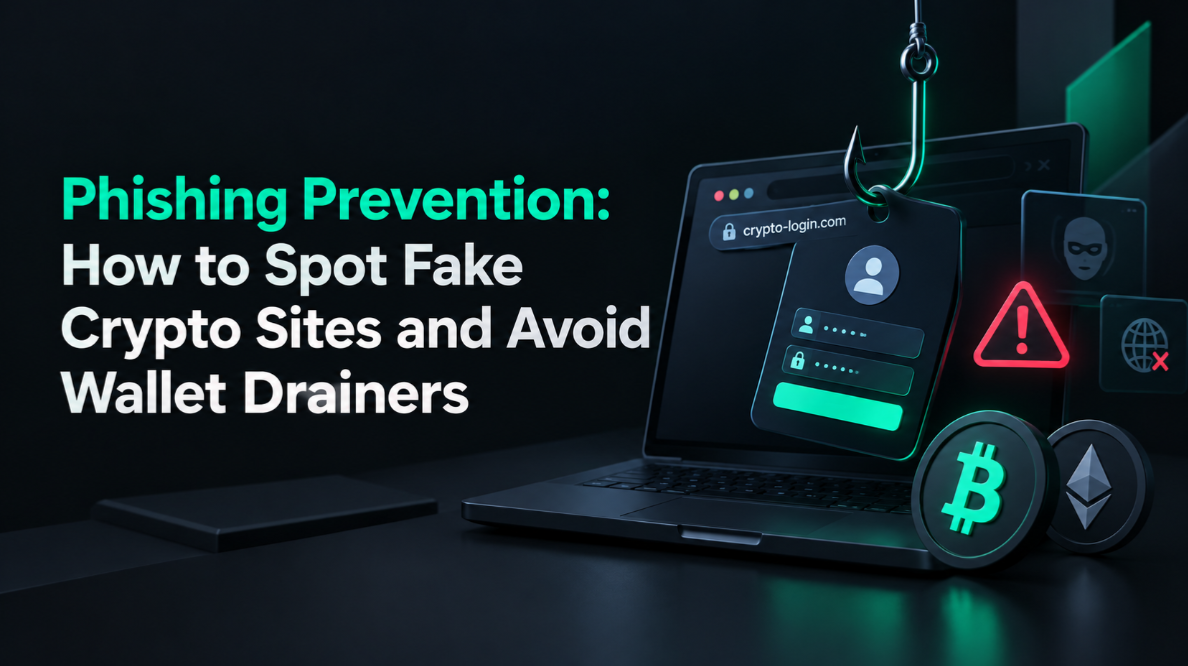
Why phishing is the leading cause of crypto theft in 2026
Phishing — the act of tricking users into revealing credentials or seed phrases by impersonating a trusted service — accounts for more lost crypto than smart contract hacks, exchange failures, and malware combined. The reason is simple: social engineering attacks human psychology rather than software, and humans are far easier to exploit than well-audited code.
In 2025, phishing losses across the crypto ecosystem exceeded $1.2 billion according to on-chain analytics firms. The attacks ranged from simple email scams to sophisticated sites with pixel-perfect clones of MetaMask, Ledger Live, and popular DeFi protocols. Understanding the attack vectors is the first step to defending against them.
URL spoofing: the oldest trick in the book
The most basic phishing technique creates URLs that look nearly identical to the real site. Attackers register domains with subtle differences: ledger.com vs ledger-live.com, metamask.io vs metamask-app.io, or binance.com vs blnance.com (note the 'l' replaced with an 'L' in some typefaces).
Unicode homograph attacks are even more dangerous. The Cyrillic character "а" (U+0430) is visually identical to the Latin "a" (U+0061). A URL like "coinbаse.com" using Cyrillic "а" looks perfect in most browsers but resolves to a completely different domain. Modern browsers show "xn--" (Punycode) encoding for such domains when hovering — always check the actual URL in the status bar before clicking.
- Safe habit: Bookmark every crypto site you use and navigate only via bookmarks. Never click links in emails, DMs, or search ads.
- Google Ads danger: Phishing sites routinely buy Google Ads for crypto keywords. The top search result is often a paid phishing site. Always scroll past ads to the organic result.
- Browser extension: MetaMask, Rabby, and hardware wallet companion apps have phishing domain blocklists built in. Keep them updated.
Wallet drainer scripts: silent theft on fake DeFi sites
Modern crypto phishing has evolved beyond password theft. "Wallet drainer" scripts are malicious smart contract interactions injected into fake DeFi front-ends. When you connect your wallet and sign what appears to be a standard approval transaction, you are actually signing a setApprovalForAll transaction granting the attacker unlimited access to all your ERC-20 tokens or NFTs.
The theft is instantaneous and irreversible. You see a transaction confirmation in your wallet UI, it looks normal, and within seconds every token in your wallet is gone. These scripts power the "Inferno Drainer", "Angel Drainer", and dozens of similar services sold to phishers as a subscription service.
- Defence: Read every transaction request carefully before signing. Check the "to" address matches the expected contract. Use a wallet like Rabby that shows you what a transaction will do before you confirm.
- Token approvals: Regularly audit and revoke unnecessary token approvals at revoke.cash or Etherscan's token approval checker. Unlimited approvals you granted months ago to compromised protocols remain active.
- Ledger and Trezor: Both display the transaction details on the device screen. The on-device display is the ground truth — check it, not the browser UI. See the Ledger review for how blind signing protections work.
Email phishing: impersonating Ledger, Trezor, and exchanges
In December 2020, Ledger suffered a data breach that exposed 270,000 customer records including names, phone numbers, and postal addresses. Attackers used this data to send targeted phishing emails and even physical letters containing fake "security alerts" directing recipients to enter their seed phrase on a fake Ledger Live website.
This attack pattern — using real customer data from a breach to build credible phishing — continues to evolve. Common email phishing scenarios in 2026 include: fake "mandatory wallet firmware updates", fake "your account has been compromised" alerts from exchanges, and fake "airdrop claim" emails requiring wallet connection.
- Never click links in security emails from crypto services. Go directly to the official site via bookmark.
- Official hardware wallet makers will never email you asking for your seed phrase under any circumstances.
- Use a separate email address for crypto registrations — one you do not use for social media or other accounts.
- Enable email alias services (SimpleLogin, Apple Hide My Email) so a leaked crypto email cannot be linked to your main identity.
Discord and Telegram phishing: fake support and minting alerts
Social platforms have become the primary phishing hunting grounds. Discord servers for DeFi protocols and NFT projects are routinely compromised or cloned. When a server is hacked, attackers post fake minting announcements with links to wallet drainer sites and delete the legitimate channels to buy time.
Fake "support staff" in Telegram groups routinely DM users who mention problems, offering to "help" — ultimately directing them to enter their seed phrase or connect to a malicious site. Legitimate protocol support never DMs you first.
- Rule: Treat every unsolicited DM as a phishing attempt. No legitimate crypto project sends seed phrase requests or "urgent claim" links via DM.
- Discord: Verify announcements via the project's official Twitter/X and website before interacting. A compromised Discord can post anything.
- Telegram: Official groups have verified admin badges. Turn off direct messages from non-contacts in Telegram settings.
Browser extension malware: hijacking your wallet
Malicious browser extensions can overlay your screen, replace wallet addresses in clipboard (clipboard hijacking), or inject JavaScript into DeFi sites to modify transaction destinations. Browser extension malware has drained millions from users who unknowingly installed a fake MetaMask or a compromised productivity extension with overly broad permissions.
- Install browser extensions only from official sources and verify the publisher name carefully.
- Periodically audit your installed extensions and remove any you do not actively use.
- Use a dedicated browser profile (or a dedicated browser) for crypto activities — separate from your daily browsing.
- Hardware wallets protect against clipboard hijacking because the destination address must be verified on the device screen.
Search engine and social media ads: the underestimated threat
Phishing sites buy Google, Bing, and even Twitter/X ads for high-value keywords like "MetaMask download", "Ledger Live", "Uniswap", and exchange brand names. The sponsored result at the top of the page looks identical to the organic result. In a hurry, it is easy to click the ad.
Install an ad blocker (uBlock Origin is the gold standard). This eliminates an entire attack vector at no cost. Review our crypto security learn guide for a full catalogue of 2026 scam techniques that have claimed the most victims.
How to verify a site is legitimate before connecting your wallet
- Navigate directly via a saved bookmark, never via a link.
- Check the full URL carefully — look for extra words, hyphens, or character substitutions.
- Check the SSL certificate issuer (click the padlock). Legitimate sites will show the organisation name for EV certificates.
- Cross-reference the URL with the project's official Twitter/X bio and GitHub.
- Before signing any transaction, read every field on your hardware wallet's screen.
- Use Rabby wallet's transaction simulation — it shows predicted state changes before you sign.
Protecting hardware wallet users from phishing
Hardware wallets are highly resistant to phishing — but not immune. The most common phishing attack against hardware wallet users is the "fake firmware update" that installs malware on the connected computer, combined with a social engineering attack to get the victim to confirm a malicious transaction they believe is a legitimate update.
Both Ledger and Trezor display all transaction details on the device's screen, which cannot be manipulated by the connected computer. Always verify the receiving address on the device, character by character, before confirming.
What to do if you have been phished
If you believe you have signed a malicious transaction or entered your seed phrase on a phishing site, move remaining funds immediately. Every second counts — drainer bots operate in real time. Transfer all assets to a new wallet on a clean device before investigating what happened.
After moving funds: revoke all token approvals on the compromised wallet using revoke.cash. Report the phishing site to Google Safe Browsing, MetaMask's phishing database (on GitHub), and the relevant protocol's security team. Your report can protect others.
Building long-term phishing resistance habits
- Use a hardware wallet for all significant holdings — never sign transactions with a hot wallet for amounts you cannot afford to lose.
- Treat every link in a crypto context as potentially malicious until verified.
- Review the
- hardware wallet ratings
- to choose a device with strong phishing protection and on-device transaction verification.
- Subscribe to security newsletters from Chainalysis, Certik, and Rekt News to stay updated on new attack vectors.
This article is for educational purposes only. Not financial advice. Crypto carries significant risk of loss. Always conduct your own research.