
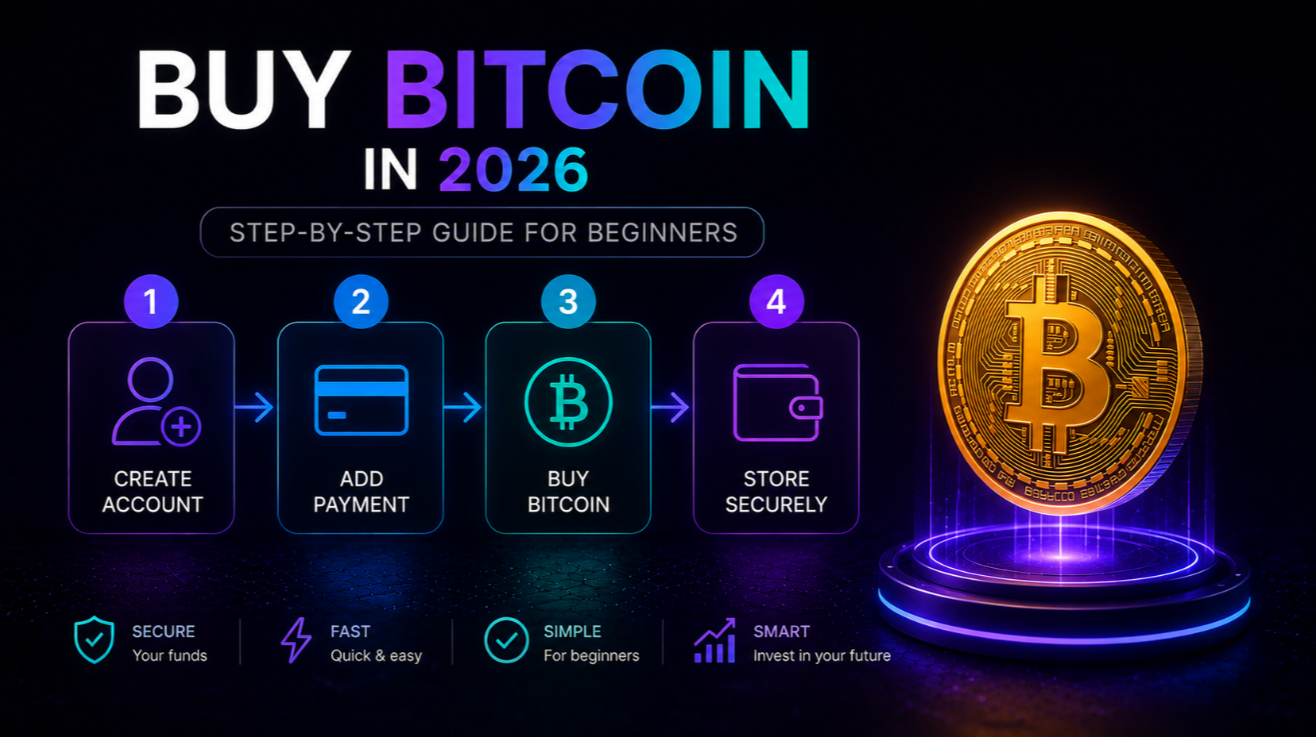
Buying Bitcoin in 2026 is easier than ever — dozens of regulated exchanges, instant bank transfers, and hardware wallets that fit in your pocket. But the process still trips up first-time buyers. This guide walks you through every step, from the documents you need on day one to pulling your coins off an exchange and into a wallet you actually control. We also cover the fees, the most common mistakes, and a plain-English primer on crypto taxes.
Bitcoin remains the largest cryptocurrency by market cap. If you want to understand live price data or longer-term projections before you buy, start with our Bitcoin market page and the Bitcoin price forecast.
What You Need Before You Start
Before you create an account on any exchange, gather the following. Having everything ready cuts the onboarding time from hours to minutes.
- Government-issued photo ID. A passport or national ID card works on every major platform. A driver's licence is accepted on most. The document must be valid — expired IDs are always rejected.
- Proof of address. A utility bill, bank statement, or government letter dated within the last 90 days. Not all exchanges require this upfront, but most ask for it when you try to withdraw large amounts.
- A selfie or live video check. Virtually every regulated exchange runs a liveness check — you photograph yourself or record a short clip. The whole thing takes under two minutes.
- A payment method. Bank transfer (ACH in the US, SEPA in Europe) is the cheapest option. A debit or credit card is faster but carries a 1.5 – 4% surcharge. Some platforms also accept USDC or USDT deposits.
- An email address and a phone number. You need both for two-factor authentication (2FA). Use an authenticator app — Google Authenticator or Authy — rather than SMS wherever the exchange allows it.
Optional but strongly recommended: decide before you register how much you want to invest and what your exit plan is. "I will buy $500 and hold for at least two years unless price drops more than 50%" is a better strategy than "I will figure it out later."
Step 1: Pick the Right Exchange
Not every exchange is equal. The most important criteria in 2026 are: regulatory standing, fee structure, liquidity, and withdrawal options for your country.
- Regulatory standing. Stick to platforms licensed in the US (FinCEN / state MTL), the EU (MiCA), the UK (FCA), or Canada (FINTRAC). A licence does not eliminate risk, but it means the exchange has audited reserves and segregates customer funds.
- Fees. Compare the maker/taker spread on BTC/USD, the deposit fee for your payment method, and — crucially — the withdrawal fee to your bank. Some platforms charge zero trading fees but make it up with a wide spread.
- Liquidity. A thin order book means you pay more or receive less than the displayed price. Coinbase, Binance, and Kraken consistently have the deepest BTC/USD books.
- Withdrawal options. Confirm that the platform supports bank withdrawals to your country before you deposit. Some exchanges restrict fiat withdrawals to certain regions.
Our editorial team has reviewed the main options in detail. See the Coinbase review, the Binance review, and the full exchange ratings for scored comparisons.
Step 2: Register and Complete KYC
"KYC" stands for Know Your Customer. Every regulated exchange must verify who you are before you can deposit or withdraw real money. Here is what to expect.
- Go to the exchange website or download the official app. Always verify the URL or app listing against the exchange's own social channels — phishing clones are common.
- Create an account with your email address and a strong, unique password. Use a password manager.
- Enable two-factor authentication immediately, before you add any money.
- Upload a photo of your ID. Most platforms now use an automated scanning tool; the check usually clears in under five minutes during business hours.
- Complete the liveness check. Follow the on-screen instructions — blink, turn your head, or hold up the ID next to your face depending on the platform.
- Confirm your address if prompted. Upload a scan or clear photo of your utility bill or bank statement.
If your KYC is flagged for manual review, it can take 24 – 48 hours. Do not send any money while your account is pending review, because some platforms freeze deposits during the check.
Once KYC is approved, set withdrawal whitelisting if the exchange offers it: only pre-approved wallet addresses can receive outbound transfers. This step alone blocks the most common account-takeover outcome.
Step 3: Deposit Funds
You have three main options for getting money into your exchange account. The right choice depends on how quickly you want to buy and how much you want to pay in fees.
- Bank transfer (ACH / SEPA / SWIFT). Cheapest option — usually free or under $1. Takes 1 – 3 business days for ACH; SEPA is often same-day. Best for larger amounts.
- Debit or credit card. Instant, but exchanges typically charge 1.5 – 4% on top of the purchase price. Useful for small, time-sensitive buys. Check whether your card issuer treats it as a cash advance, which adds another fee.
- Stablecoin deposit (USDC, USDT). If you already hold stablecoins on another platform, transfer them in. Settlement is minutes, and conversion to BTC usually costs under 0.2%.
Minimum deposit amounts vary. Most exchanges accept as little as $10. Maximum limits rise with your KYC tier — if you want to buy large amounts you may need to submit additional documentation.
Step 4: Place Your Bitcoin Order
Once your account is funded, navigate to the BTC/USD (or BTC/USDT) trading pair. You will see two main order types.
- Market order. Executes immediately at the best available price. Fast and simple, but on thin books you may pay a few dollars more than the displayed quote. Fine for amounts under $5,000.
- Limit order. You set the maximum price you are willing to pay. The order sits in the book until the market price reaches your level — or you cancel it. Use this if you are not in a hurry and want price certainty.
For amounts above $10,000, consider a TWAP (time-weighted average price) order if your exchange offers it — it splits the buy into smaller slices over an hour or more and reduces the market impact on the price.
Double-check the total cost including fees before you confirm. Most platforms show an "estimated total" line at the bottom of the order form. After the order fills, you will see BTC in your exchange wallet almost instantly.
Dollar-cost averaging (DCA) — buying a fixed amount weekly or monthly — is a common strategy for beginners. It removes the pressure of trying to time the exact entry price.
Step 5: Withdraw Bitcoin to Your Own Wallet
Leaving Bitcoin on an exchange means the exchange holds the private keys on your behalf. If the exchange is hacked, goes bankrupt, or freezes withdrawals, your coins are at risk. The standard advice is: not your keys, not your coins.
For any amount you plan to hold for more than a few weeks, withdraw to a wallet you control.
- Hardware wallet (best for long-term storage). Ledger and Trezor are the market leaders. The device stores your private key offline, isolated from the internet. See our Ledger review for a full breakdown.
- Software wallet (good for smaller amounts). Electrum (desktop) and BlueWallet (mobile) are open-source and widely audited. Keep these on a device you do not use for general web browsing.
- Mobile wallet. Convenient for amounts you might spend or move soon. Not recommended for large holdings.
Before withdrawing from the exchange, always send a small test transaction — $5 worth — and confirm it arrives at the correct address. Once a Bitcoin transaction is broadcast, it cannot be reversed.
Write your wallet's recovery seed phrase on paper and store it somewhere physically secure — not in a cloud note, not in a screenshot. That 12 or 24-word phrase is the only way to recover your funds if your device is lost or broken.
Mobile App vs Desktop: Which Should You Use?
Most major exchanges offer both a mobile app and a full web platform. Here is when to use each.
- Mobile app pros: Face/fingerprint 2FA, instant price alerts, quick market orders, convenient for small recurring buys.
- Mobile app cons: Smaller screen makes it easy to miss fee details or misread an address. Higher phishing risk if you download from a third-party source.
- Desktop pros: Full order book visible, advanced order types (TWAP, stop-limit), easier to copy and verify wallet addresses character by character.
- Desktop cons: Less convenient for quick trades. Browser extensions and malware pose more risk on general-purpose computers.
Best practice: use the desktop platform for large purchases and withdrawals, and the mobile app for monitoring and small recurring buys. Enable 2FA on both separately.
Common Mistakes First-Time Bitcoin Buyers Make
- Leaving coins on the exchange indefinitely. Covered above. Even reputable exchanges have been hacked. Move significant holdings to self-custody.
- Using an exchange without verifying its licence. Unlicensed platforms can disappear overnight. Check the regulator's public register before depositing.
- Sending Bitcoin to the wrong address. BTC transactions are irreversible. Always copy-paste addresses and verify the first and last four characters before confirming.
- Sending to the wrong network. Bitcoin uses its own native network. Never send BTC to an Ethereum address or a Solana address — the coins will be unrecoverable on most platforms.
- Panic-selling during a correction. Bitcoin has dropped 30 – 40% multiple times within a single bull cycle. Short-term dips are historically normal. If you cannot tolerate the volatility, buy a smaller amount.
- Storing the seed phrase digitally. Screenshots, cloud drives, and email drafts are all vulnerable. Paper and metal backup plates are the standard.
- Not enabling 2FA. An account without 2FA can be taken over with a stolen password alone.
Costs and Fees: What You Actually Pay
Understanding the fee structure before you buy prevents nasty surprises on the total cost.
- Trading fee (maker/taker). The most visible fee — typically 0 – 0.5% per trade on major exchanges. Maker orders (limit orders that add liquidity) usually cost less than taker orders (market orders that remove liquidity).
- Spread. Some platforms advertise zero trading fees but use a wide bid-ask spread instead. The spread is the invisible cost baked into the quote price.
- Deposit fee. Bank transfers are usually free. Card deposits: 1.5 – 4%. Crypto deposits: usually free.
- Withdrawal fee (BTC network fee). When you send BTC to your own wallet, you pay a miner fee. In 2026 this ranges from roughly $0.50 – $5 depending on network congestion. Exchanges charge a fixed fee or pass through the network fee.
- Fiat withdrawal fee. Sending money back to your bank account can cost $0 – $25 depending on the method and the exchange.
On a $500 purchase using a bank transfer and a standard taker order, you might pay $0.50 – $2.50 in trading fees, plus a one-time $1 – $5 withdrawal fee when you move the coins later. Card purchases add 1.5 – 4% upfront.
Tax Basics for Bitcoin Buyers
Tax rules for cryptocurrency vary by country, but in most major jurisdictions — the US, UK, EU member states, Canada, Australia — Bitcoin is treated as property or a capital asset, not as currency.
- Buying Bitcoin is not a taxable event. In most countries, simply purchasing BTC with fiat money creates no immediate tax liability.
- Selling, swapping, or spending Bitcoin is a taxable event. If you sell BTC for more than you paid, the gain is subject to capital gains tax. Short-term rates (assets held under one year) are usually higher than long-term rates in most jurisdictions.
- Record your cost basis. The cost basis is the price you paid (plus fees). Keep records of every purchase — date, amount, price, and exchange. Most platforms let you export a transaction CSV.
- Crypto-to-crypto swaps are taxable in many countries. Exchanging BTC for ETH or USDC is treated as a sale of BTC at fair market value in the US and several other jurisdictions.
- Mining and staking income is taxed as ordinary income. This does not apply to simple Bitcoin purchases, but it affects holders who earn yield.
Tax software tools like Koinly, CoinTracker, and TokenTax can import your exchange history and calculate your liability automatically. For large holdings, consult a tax professional familiar with cryptocurrency in your jurisdiction.
This article is educational and does not constitute financial or tax advice. Always consult a licensed professional before making investment decisions.