The security trade-offs of mobile wallets
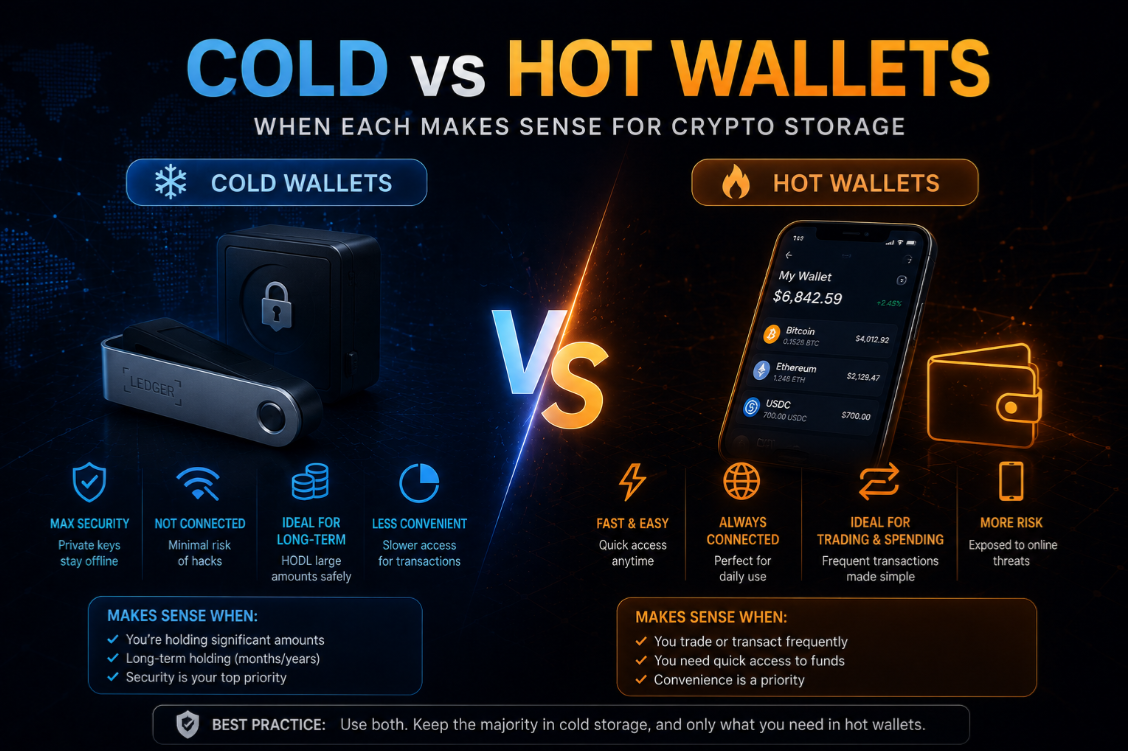
Mobile wallets offer the most convenient crypto experience — tap to sign, biometric unlock, QR code scanning — but smartphones introduce unique security trade-offs compared to desktop or hardware wallets. Your phone can be lost, stolen, infected with malware, or compromised by a sim-swap attack on the phone number tied to cloud backups. Understanding these risks is the starting point for choosing a mobile wallet.
The core mobile wallet security question is where the private key lives. In software mobile wallets, the key is encrypted on the device and protected by your PIN or biometrics. If the device is seized, the encryption should prevent key extraction — but it depends on the encryption implementation and whether the OS has been compromised.
Trust Wallet — broadest chain coverage on mobile
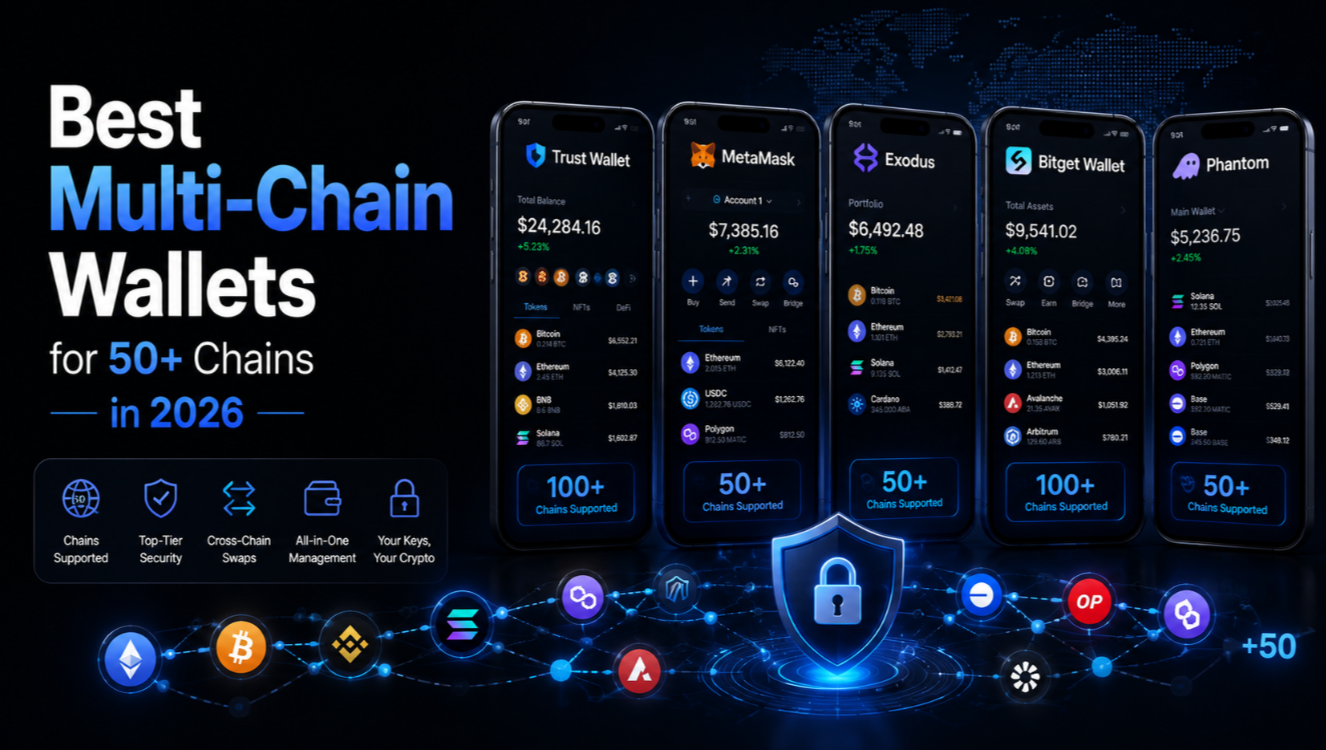
Trust Wallet is the most widely installed mobile crypto wallet globally, with support for 100+ blockchains. It covers EVM chains, Solana, Cosmos, Tron, BNB Chain, TON, and dozens of layer-1 ecosystems that other wallets ignore. For users in markets where mobile is the primary device and chain diversity matters, Trust Wallet is the default starting point.
Security features include biometric unlock, PIN protection, and local key encryption. Trust Wallet does not have transaction simulation or approval scanning — features now standard on desktop wallets like Rabby. Users should exercise extra caution when signing unfamiliar transactions. See our full Trust Wallet review for security configuration tips.
Phantom — mobile-first for Solana and Ethereum users
Phantom's mobile app is consistently rated among the best designed crypto apps on both iOS and Android. It supports Solana, Ethereum, Polygon, and Bitcoin in a unified interface with smooth dApp browsing, NFT gallery, and in-app token swapping via Jupiter (Solana) and 0x (Ethereum).
Phantom's mobile security architecture stores keys in the device's secure enclave (iOS Secure Element, Android StrongBox) — the same hardware module used for Face ID and fingerprint data. This provides hardware-level isolation even if the operating system is compromised. Recovery is via seed phrase backup. Our Phantom review covers the full security model.
MetaMask Mobile — familiar interface, EVM coverage
MetaMask Mobile mirrors the browser extension experience for EVM users on the go. It includes a built-in dApp browser, support for 100+ EVM networks, and WalletConnect integration for pairing with desktop dApps. MetaMask's mobile app has improved significantly since 2023 but still lacks the transaction simulation and approval management features that Rabby Desktop provides.
Coinbase Wallet — the beginner-friendly mobile option
Coinbase Wallet (separate from the Coinbase exchange app) is a self-custody mobile wallet covering Ethereum, Base, Solana, and major EVM chains. It integrates smoothly with the Coinbase exchange for fiat on/off-ramp and offers cloud backup of the encrypted seed phrase to iCloud or Google Drive — a convenience feature that reduces seed phrase loss risk but adds cloud dependency.
The cloud backup option is controversial: encrypted backups are convenient but depend on the security of your Apple or Google account. For high-value wallets, manual seed phrase backup on paper is the safer choice. Coinbase Wallet also supports ERC-4337 smart wallet accounts (passkey-based) for users who prefer not to manage seed phrases at all.
Ledger mobile app — hardware security on your phone
The Ledger Live mobile app pairs with Ledger hardware wallets via Bluetooth. All transaction signing happens on the hardware device; the phone is purely an interface. This is the highest-security mobile wallet option because private keys never touch the phone's software environment. Our Ledger review covers Bluetooth pairing security and best practices.
Ledger Live supports 35+ blockchains natively with hundreds more accessible via WalletConnect. The trade-off is that you must carry your hardware device to sign transactions. For an always-available mobile wallet, pair Ledger for high-value accounts with Trust Wallet or Phantom for everyday DeFi interaction.
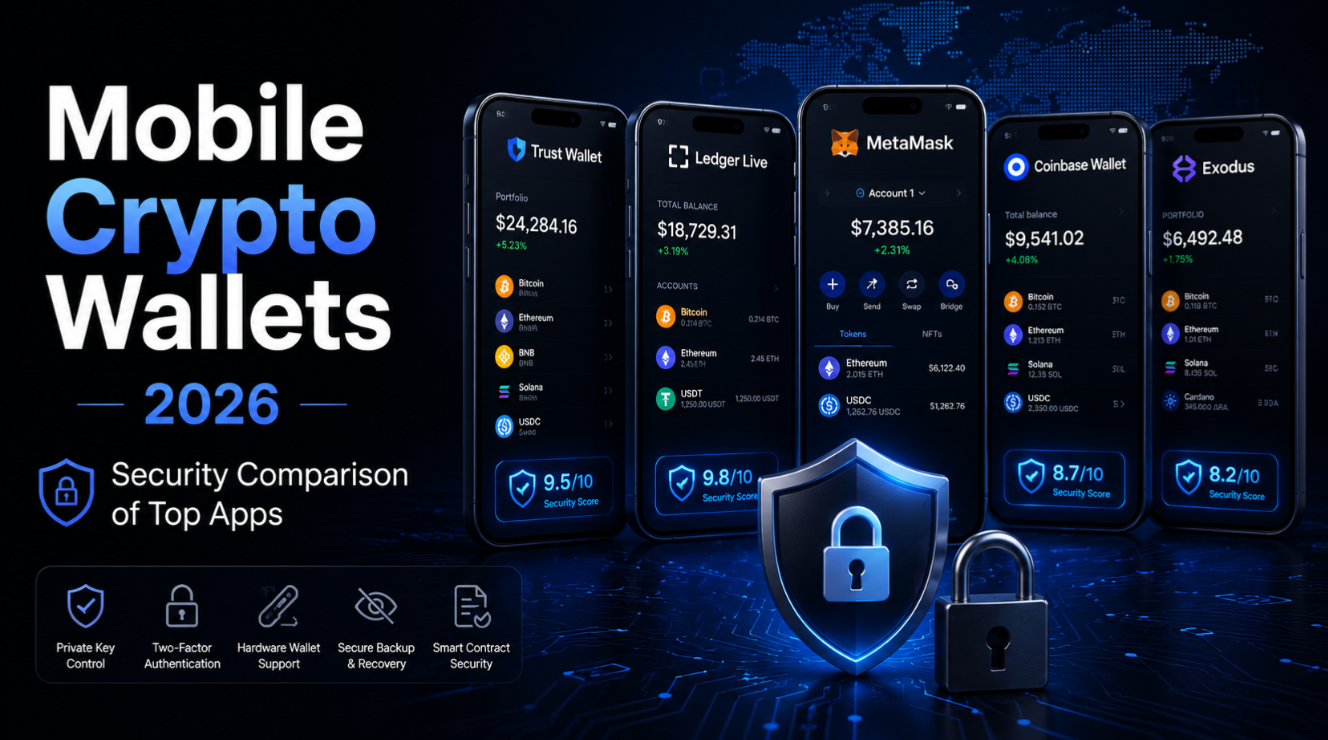
Security comparison: how mobile wallets protect your keys
- Phantom (iOS/Android): Secure Enclave / StrongBox hardware isolation. Best-in-class software key protection.
- Trust Wallet: Encrypted on-device storage. Solid but no secure enclave isolation published.
- MetaMask Mobile: Encrypted on-device storage. Similar model to Trust Wallet.
- Coinbase Wallet: Secure Enclave + optional cloud backup. Cloud backup trades security for convenience.
- Ledger Live (paired): Keys never on phone. Maximum security — hardware device required to sign.
- Argent: Smart contract wallet — no seed phrase, guardian recovery, daily limits. Mobile-native on zkSync.
Sim-swap attacks and mobile wallet risk
A sim-swap attack is when an attacker convinces your mobile carrier to transfer your phone number to their SIM card. If any part of your wallet recovery relies on SMS verification (two-factor codes, phone-number-linked cloud accounts), a sim-swap can lead to wallet compromise. Best practice: never use SMS 2FA for accounts linked to your wallet. Use hardware security keys (YubiKey) or authenticator apps instead.
For Coinbase Wallet users with iCloud backup enabled: the wallet backup is encrypted with a password, not your phone number. An iCloud account protected with hardware 2FA is resistant to sim-swap. However, users who link iCloud to an SMS-verified Apple ID create an indirect attack path.
Mobile wallet best practices for 2026
- Enable biometric lock AND PIN — require both for unlocking the wallet.
- Disable notification previews for wallet apps — balance alerts on lock screens reveal holdings.
- Use a dedicated device (or separate profile) for high-value wallet apps.
- Never screenshot seed phrases — screenshots sync to cloud services automatically on most phones.
- Write seed phrases on paper only — store in multiple secure physical locations.
- Enable auto-lock at 30 seconds or less for wallet apps.
- Install wallets only from official sources — verify developer name in app store listings.
- Use hardware 2FA (YubiKey) for all cloud accounts linked to wallet recovery.
Choosing a mobile wallet based on your security level
- Beginner, < $1,000: Coinbase Wallet or Trust Wallet — easy setup, cloud backup safety net.
- Intermediate, $1,000–$10,000: Phantom (Solana) + MetaMask or Rabby (EVM) — better security architecture.
- Advanced, > $10,000: Ledger paired with Ledger Live mobile — hardware signing only.
- DeFi power user: Rabby on desktop primary, mobile wallet for monitoring and small transactions.
For a full comparison of wallet options by security model and feature set, see our wallet ratings page.
Recovering a mobile wallet after device loss
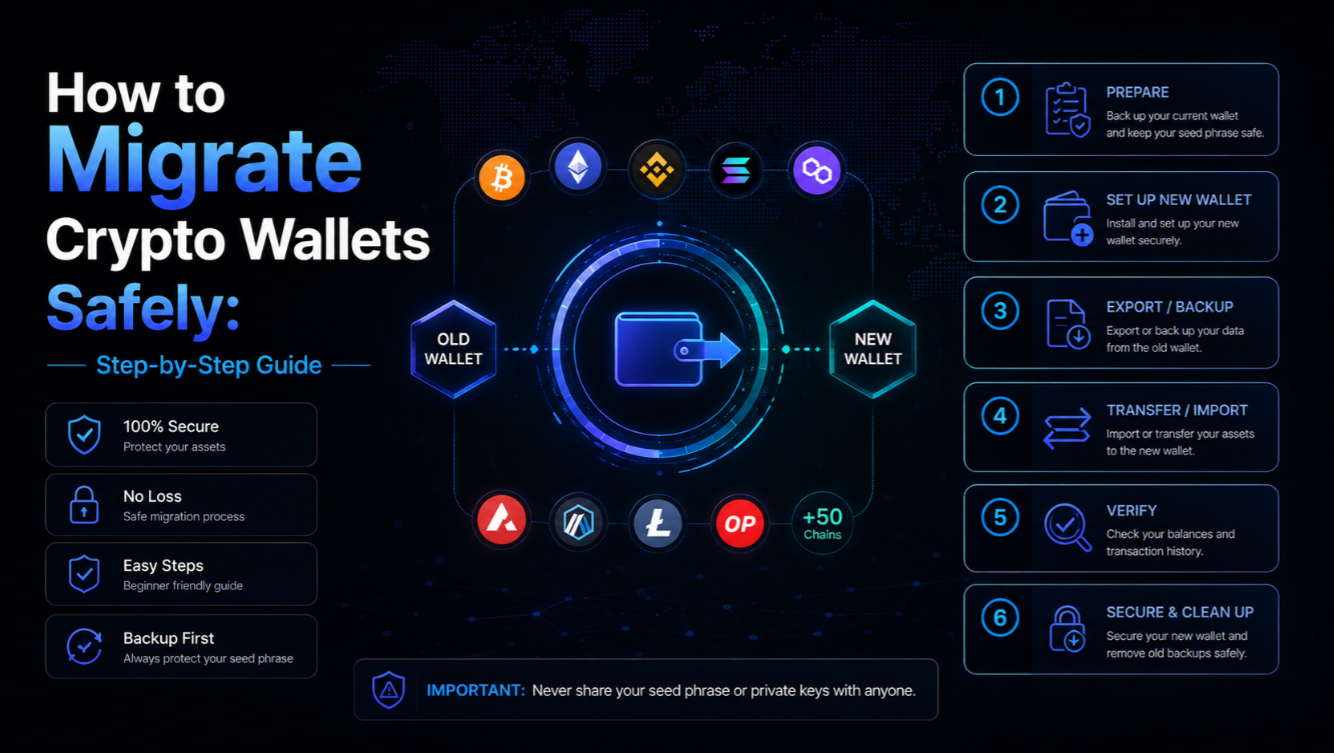
If you lose your phone, wallet recovery depends entirely on the backup method. For seed-phrase wallets (Trust Wallet, MetaMask, Phantom), install the same app on a new device and enter your 12 or 24-word seed phrase. For smart contract wallets (Argent, Coinbase Smart Wallet), use guardian recovery or passkey backup. For Ledger-paired wallets, simply pair your Ledger with a new installation of Ledger Live.
Mobile wallets are convenient but carry unique risks. Never store more on a mobile wallet than you would carry in a physical wallet. Keep the bulk of your holdings on hardware or multi-sig custody. Not financial advice.