What is a crypto wallet?
A crypto wallet is software or hardware that stores the private keys needed to authorise transactions on a blockchain. The coins themselves live on-chain; the wallet controls access to them. Lose the keys, lose the coins — no bank, no helpline, no recovery service can undo it.
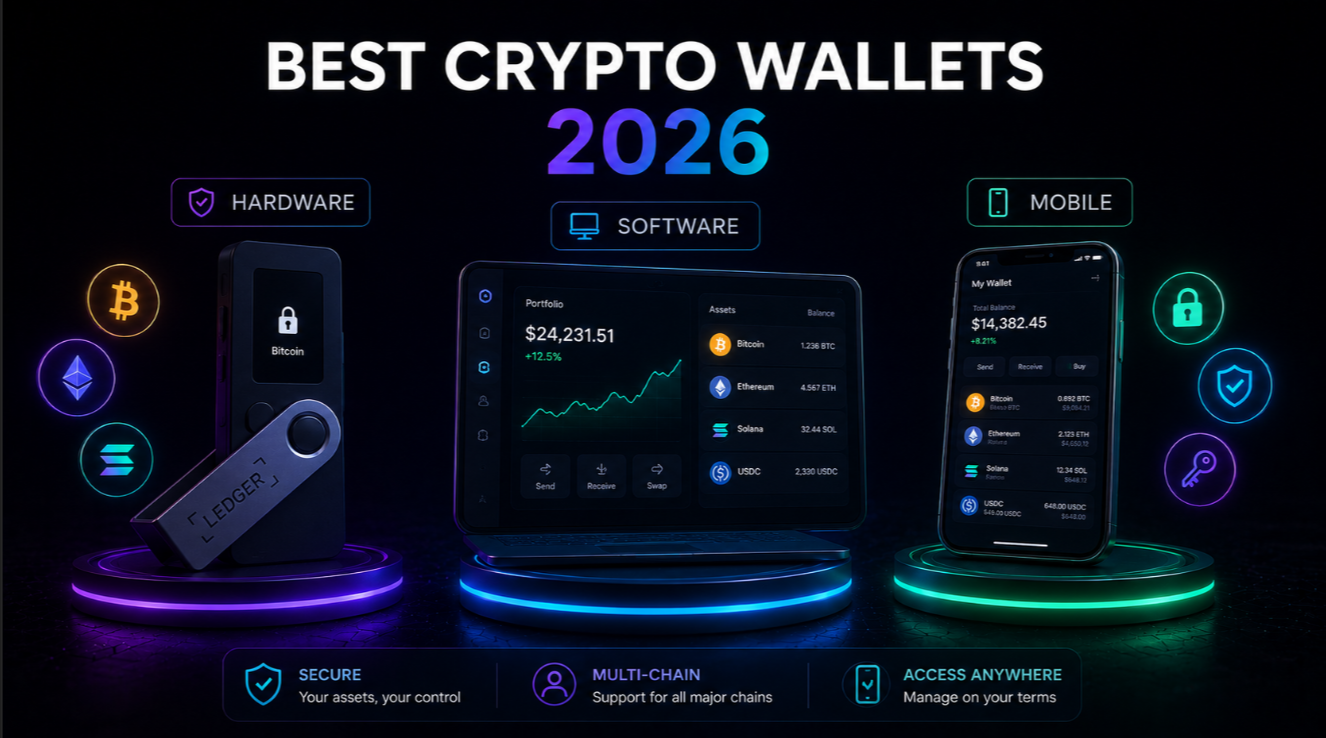
In 2026 the wallet landscape has matured considerably. Most leading products now support multi-chain signing, biometric unlock, built-in DeFi bridging, and hardware-level secure enclaves. Choosing the right wallet still comes down to two questions: how much security do you need, and how often will you actually use the coins?
Types of crypto wallets: custodial, non-custodial, HD, and multisig
Every wallet falls into one or more of these four categories:
- Custodial — A third party (usually a centralised exchange) holds your private keys. Easy onboarding, but you are trusting that platform with your funds. If it is hacked or goes bankrupt, you can lose access. Best used as a temporary staging area, not long-term storage.
- Non-custodial — You control your own private keys. Nobody else can move your coins without your signature. Requires you to back up a seed phrase; if that backup is lost, your funds are gone permanently.
- HD (Hierarchical Deterministic) — Generates an unlimited number of address/key pairs from a single 12-word or 24-word seed phrase. Virtually all modern wallets are HD. The BIP-39 standard means your seed phrase usually works in any other HD wallet — a critical backup property.
- Multisig — Requires M-of-N keys to sign a transaction (for example, 2 of 3). Ideal for large treasuries, shared accounts, or anyone who wants an extra layer of protection against a single compromised device. More complex to set up; Gnosis Safe, Sparrow Wallet, and some Ledger + Coinkite combinations support it.
The best setup for most holders is a non-custodial HD hardware wallet for long-term storage, combined with a non-custodial software wallet for active use.
Top 5 hardware wallets reviewed (2026)
Hardware wallets store private keys on an isolated chip that never touches the internet. Even if your computer is fully compromised, an attacker still cannot move coins without physically pressing the device's button.
1. Ledger Flex — Best overall hardware wallet
The Ledger Flex ships with a tamper-proof secure element (CC EAL6+), a 2.8-inch E Ink touch screen, and Bluetooth for use with Ledger Live on mobile. It supports over 5,500 coins and tokens. The companion Ledger Live app handles staking, swaps, and NFT management without exposing keys. Ledger's 2023 recovery service controversy is worth knowing about — the firmware update was optional and many users refused it — but the hardware itself has never been compromised. Starting price: around $249.
Full review: Ledger review.
2. Trezor Safe 5 — Best open-source hardware wallet
Trezor's Safe 5 runs entirely on open-source firmware that has been audited multiple times by independent security researchers. The Secure Element (Microchip ATECC608) holds keys and requires PIN confirmation on the device screen for every transaction. It lacks Bluetooth (by design — the team considers it an attack surface), but the USB-C connection and clear OLED display make it simple and trustworthy. Coin support covers about 8,000 assets. Price: around $169.
Full review: Trezor review.
3. BitBox02 — Best for Bitcoin-only purists
The BitBox02 comes in two versions: "Multi" (Bitcoin + major altcoins) and "Bitcoin only." The Bitcoin-only firmware has a smaller attack surface and is recommended for anyone who only holds BTC. The companion BitBoxApp is clean and beginner-friendly, and the hardware uses a dual-chip design: a secure chip for key storage and a general-purpose chip for display logic. Made in Switzerland, full open hardware and firmware. Price: around $149.
4. Keystone 3 Pro — Best air-gapped hardware wallet
Keystone communicates via QR code only — no USB, no Bluetooth, no WiFi. The air-gap is complete. Transactions are signed on the device and the resulting QR is scanned by a software wallet (MetaMask, Solflare, BlueWallet). The 4-inch touch screen makes it comfortable to review transaction details. A fingerprint sensor adds a biometric layer. Best choice for anyone who considers any wired or wireless connection a risk. Price: around $169.
5. SafePal S1 Plus — Best budget hardware wallet
SafePal is Binance-backed and aggressively priced at around $49. The S1 Plus also uses an air-gapped QR workflow and supports over 30,000 tokens across 100+ blockchains. It lacks the premium build quality of Ledger or Trezor, and its closed firmware is a limitation for security researchers. But for a beginner who wants hardware security without spending $150+, it is a credible entry point.
Top 5 software wallets reviewed (2026)
Software wallets are hot wallets — keys live on a device connected to the internet. The risk profile is higher than hardware, but they are free, instant to set up, and essential for daily DeFi and Web3 use.
1. MetaMask — Best EVM software wallet
MetaMask remains the dominant Ethereum and EVM-compatible wallet with over 30 million monthly active users. Browser extension and mobile app. Connects to virtually every DeFi protocol and NFT marketplace. The built-in swap and bridge aggregator has gotten competitive on fees. Main weaknesses: no native Bitcoin support, and the interface can be confusing for absolute beginners. See our full MetaMask review for a deep dive into security settings.
2. Trust Wallet — Best mobile multi-chain wallet
Trust Wallet (owned by Binance) supports over 100 blockchains including Bitcoin, Ethereum, Solana, BNB Chain, and Cosmos. The mobile app is polished, the built-in browser supports DApps across all chains, and staking is one tap away. Trust has had no major hacks. The Binance ownership is a centralisation concern for purists, but the wallet itself is non-custodial — Binance cannot move your coins.
3. Phantom — Best Solana (and multi-chain) wallet
Phantom started as the Solana wallet and still handles Solana, SPL tokens, and Solana NFTs better than anything else. Since 2023 it also covers Ethereum, Polygon, and Bitcoin. The fraud detection feature automatically flags suspicious transactions before you sign. If you are active in Solana DeFi or hold SOL — see the SOL price page — Phantom is the obvious choice.
4. Rabby — Best EVM wallet for DeFi power users
Rabby (by DeBank) is a browser extension wallet built specifically for experienced DeFi users. Its killer feature is pre-transaction simulation: it shows you exactly what will change in your wallet before you sign, catching approval exploits and rug pulls that MetaMask users often miss. Gas optimisation suggestions, chain auto-detection, and a built-in portfolio view across 200+ chains make it the preferred wallet for traders who touch multiple protocols daily.
5. Zerion — Best wallet for portfolio tracking + DeFi
Zerion bridges the gap between a wallet and a portfolio dashboard. One seed phrase gives you a smart wallet address that works across all EVM chains simultaneously, backed by a built-in read layer that tracks every position, LP, and airdrop. Gas fees can be paid in any token (not just native gas), and the iOS/Android apps are among the best-designed in the category.
Mobile vs desktop wallets: which is safer?
Neither is inherently safer — the threat model differs:
- Mobile wallets face risks from malicious apps, SIM-swap attacks, and screen-recording malware. Biometric lock helps but is not foolproof.
- Desktop wallets face clipboard hijacking (malware that swaps wallet addresses), browser extension spoofing, and keyloggers.
- Both benefit from OS-level sandboxing that has improved substantially since 2022, but neither is a substitute for a hardware wallet when significant sums are involved.
Practical rule: keep less than you can afford to lose in any hot wallet. Move anything above that threshold to a hardware wallet or hardware-backed multisig.
Crypto wallet security: 7 non-negotiable practices
- Write your seed phrase on paper (or metal), never screenshot it, never save it in a notes app or cloud service.
- Verify the receiving address on your hardware wallet screen before every outbound transaction — never trust what the computer shows.
- Use a passphrase (the "25th word") on your hardware wallet for an additional layer that is not stored on the device.
- Enable 2FA on every exchange account, preferably hardware-key (YubiKey) or TOTP (Authy), not SMS.
- Keep firmware updated — both wallet firmware and the companion app patch known exploits.
- Test recovery with a small amount before loading real funds. Restore the seed phrase on a different device and confirm it works.
- Consider a separate hardware wallet for high-value holdings vs a "spending" hardware wallet that connects to your computer regularly.
Seed phrase backup: what to do and what not to do
The seed phrase is the master key. These 12 or 24 words can restore your entire wallet on any compatible device. Protecting the backup is as important as protecting the wallet itself.
- Do: Store copies in at least two separate physical locations (home safe + bank deposit box, or two trusted family members in different cities).
- Do: Use a steel backup plate (Cryptosteel, Bilodream, or a DIY punch kit) for fire and water resistance.
- Do: Add a passphrase that is stored separately from the seed phrase — this way, finding the seed alone is not enough to drain the wallet.
- Do not: Store the seed phrase digitally — no photos, no cloud notes, no email drafts.
- Do not: Share it with anyone under any circumstances. No legitimate wallet or exchange will ever ask for it.
- Do not: Use a single backup location. House fires and floods happen.
Common wallet mistakes (and how to avoid them)
- Buying a hardware wallet from a third-party reseller on Amazon or eBay. Always buy direct from the manufacturer — a tampered device is undetectable without deep technical inspection.
- Connecting a hardware wallet to a phishing site. Bookmark your DeFi apps and verify the URL every single time.
- Signing a "setApprovalForAll" on an NFT marketplace without reading it. This gives that contract unlimited access to your wallet. Use Revoke.cash to audit and revoke stale approvals regularly.
- Sending to the wrong chain. Bridging is getting easier, but sending ETH to a Solana address (or vice versa) can result in permanent loss.
- Skipping the recovery test. Many people have discovered their backup was wrong only when they actually needed it.
- Keeping the seed phrase on the same device as the wallet. A stolen laptop gives an attacker everything.
How to choose the right crypto wallet for you
Ask yourself four questions:
- How much am I storing? Under $1,000: a software wallet is fine. $1,000–$10,000: hardware wallet recommended. Over $10,000: hardware wallet plus passphrase, or multisig.
- How often will I use it? Daily DeFi: a software wallet like Rabby or Zerion for convenience, hardware for larger reserves. Long-term hold: a hardware wallet that stays offline 99% of the time.
- Which chains do I use? Bitcoin only: BitBox02 or Trezor. Ethereum/EVM: Ledger or MetaMask + Rabby. Solana: Phantom. Everything: Ledger Flex or Trust Wallet.
- What is my technical comfort level? Beginners: Ledger Flex (hardware) or Trust Wallet (software). Power users: Keystone air-gap (hardware) or Rabby + Gnosis Safe (software + multisig).
For exchange ratings and service comparisons that include wallet custody options, see our wallet ratings page. For Bitcoin-specific storage strategy, the Bitcoin market page has additional context.
Quick reference: wallet comparison at a glance
Hardware wallets ranked for 2026:
- Ledger Flex — best overall, $249
- Trezor Safe 5 — best open-source, $169
- BitBox02 — best Bitcoin-only, $149
- Keystone 3 Pro — best air-gapped, $169
- SafePal S1 Plus — best budget, $49
Software wallets ranked for 2026:
- MetaMask — best for EVM/Ethereum
- Trust Wallet — best multi-chain mobile
- Phantom — best for Solana
- Rabby — best for DeFi power users
- Zerion — best portfolio + DeFi combo
This article is for informational purposes only and is not financial advice. Crypto assets carry significant risk. Always verify wallet software from official sources only.